
The 5 most popular online graphic design tools in 2025 are redefining the way individuals and businesses approach creativity in a digital-first world. Today, visuals are not just decorative—they are the backbone of communication, branding, and marketing. From building a professional brand identity to crafting social media posts that instantly capture attention, design has become essential in standing out and making a lasting impression.
Whether you’re a business owner looking to connect with customers, a content creator producing engaging material, a student working on projects, or simply someone who loves exploring creativity, the right graphic design tool can make all the difference. But with so many platforms available, choosing the best one can feel overwhelming. Some focus on simplicity, others offer advanced features, and the top tools strike the perfect balance between both.
That’s exactly why we’ve put together this roundup of the 5 most popular online graphic design tools in 2025—platforms that have become go-to choices worldwide because of their user-friendly interfaces, powerful capabilities, and adaptability for all kinds of users. These tools are easy to learn, widely adopted, and packed with features designed to empower both beginners and professionals.
In this blog, we’ll walk you through their standout features, benefits, and pricing models, so you can make an informed choice. To help you get started quickly, we’ll also share direct links to their official websites. Whether your goal is to create eye-catching marketing material, polished presentations, or simple yet effective designs, these tools will give you the power to bring your ideas to life with ease and confidence.
 Canva – The All-in-One Design Tool for Everyone
- Ease of use: Canva’s drag-and-drop interface makes it simple to design anything from social media posts to presentations.
- Templates galore: Over 600,000 free and premium templates are available.
- AI-powered features: Tools like Magic Design and Magic Write make designing faster and smarter.
- Collaboration: Teams can collaborate in real-time, making it perfect for businesses and agencies.
Adobe Creative Cloud (Photoshop, Illustrator, etc.) – The Professional Standard
Official Website:https://www.adobe.com/creativecloud.htmlWhen we think of professional graphic design, Adobe Creative Cloud is the first name that comes to mind. From Photoshop (for raster editing) to Illustrator (for vector graphics), Adobe tools have been the industry gold standard for decades.Why Adobe is Popular:- Unmatched power: Advanced tools for editing, illustration, typography, and more.
- Adobe Firefly AI: Integrates generative AI for creating images and effects quickly.
- Cross-platform: Available on desktop, web, and mobile.
- Industry standard: Used by professionals worldwide in design, photography, and digital art.
- Photoshop single app: ₹599/month (first year)
- All Apps Creative Cloud Pro: ₹2,714/month (annual commitment)
Figma – The Ultimate Collaboration Tool
Official Website: https://www.figma.comIn recent years, Figma has exploded in popularity, especially among UI/UX designers and product teams. Its cloud-based design platform enables real-time collaboration, making it the Google Docs of design.Why Figma is Popular:- Real-time collaboration: Multiple users can design simultaneously.
- Cloud-based: No need for heavy software downloads.
- Prototyping tools: Build and test interactive prototypes in the same platform.
- Integration with FigJam: A whiteboard tool for brainstorming and team planning.
Affinity Designer – A Cost-Effective Adobe Alternative
Official Website: https://affinity.serif.com/designer/If you’re looking for professional-grade design software without the subscription fees, Affinity Designer is a top choice. Known for its speed and precision, it offers both vector and raster editing in one tool.Why Affinity Designer is Popular:- One-time purchase: No monthly subscription; lifetime access.
- Dual editing power: Supports both vector and raster design.
- Smooth performance: Handles large files with ease.
- Cross-platform: Available on Windows, macOS, and iPad.
- Windows/macOS license: ₹6,900 (one-time purchase)
- iPad version: ₹4,900
- Universal license (all platforms): ₹44,900
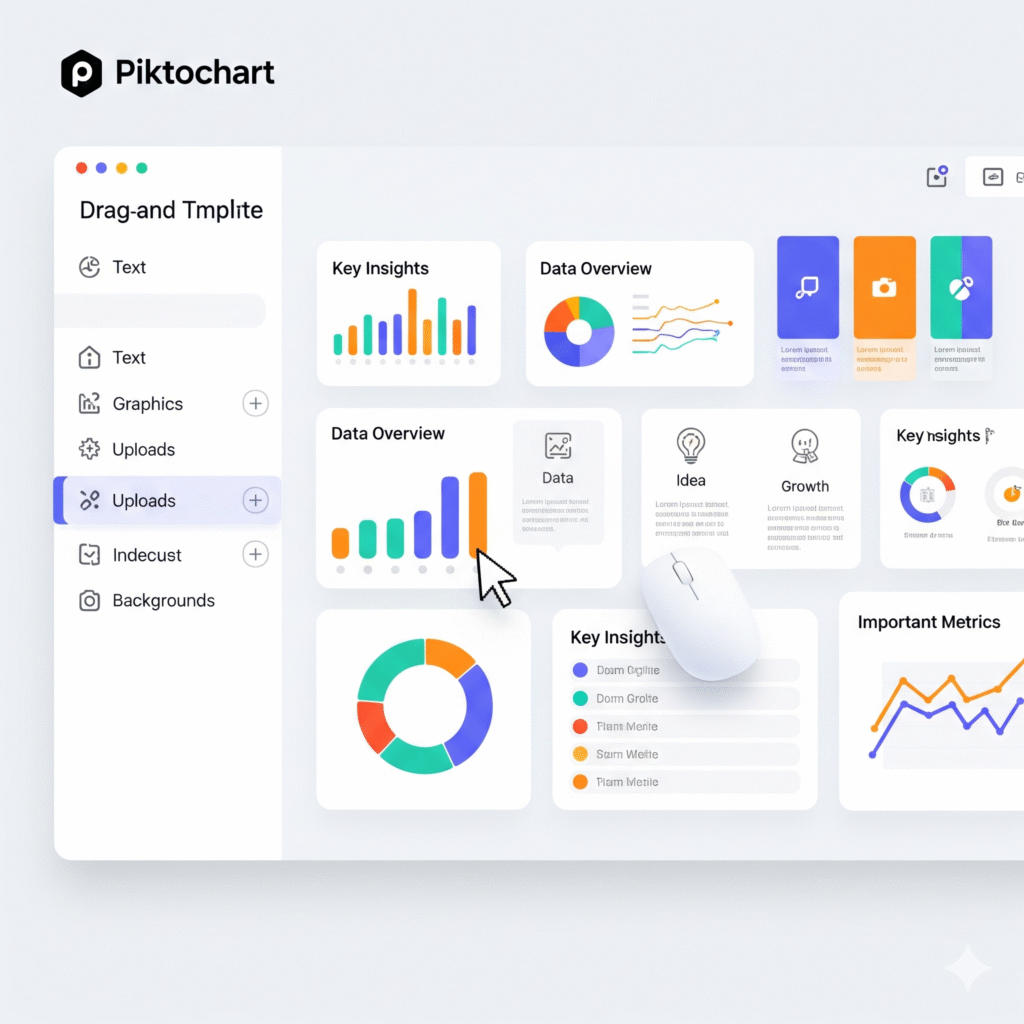
Adobe Express / Piktochart – Quick Design & Data Visualization Tools
Official Websites:- Adobe Express: https://www.adobe.com/express/
- Piktochart: https://piktochart.com
- Drag-and-drop interface: Perfect for creating quick graphics, videos, and social content.
- Brand kits: Keep your brand’s look consistent.
- Ease of use: Great for those who want professional-looking designs without complexity.
- Infographics made easy: Create charts, reports, and visual data stories.
- Templates for non-designers: Especially useful for educators, marketers, and NGOs.
- Collaboration options: Teams can create visual reports together.
- Adobe Express: Pricing varies; check regional availability (usually around ₹900–₹1,000/month when converted)
- Piktochart: Premium plan around ₹830/month (converted from $9.99)
Which Graphic Design Tool Should You Choose?
The choice depends on your needs, budget, and skill level:- Canva if you want simplicity and speed.
- Adobe Creative Cloud if you need professional, industry-standard tools.
- Figma if collaboration and UI/UX design are your priorities.
- Affinity Designer if you want powerful tools at a one-time cost.
- Adobe Express / Piktochart if you focus on marketing visuals or infographics.
Final Tip on The 5 Most Popular Online Graphic Design Tools in 2025
The 5 most popular online graphic design tools in 2025 are redefining the way individuals and businesses create visuals in today’s digital-first world. Design has become the backbone of communication, branding, and marketing—whether it’s building a professional brand identity, crafting social media posts that instantly grab attention, or designing presentations that leave a lasting impression.
What makes these platforms even more powerful is their accessibility. You don’t need to be tied to a desktop anymore—most of these tools are fully Android-friendly, allowing you to design on the go from your smartphone or tablet. Whether you’re a business owner managing marketing campaigns, a content creator producing posts on the fly, a student working on projects, or simply someone who enjoys experimenting with design, the right tool can make all the difference.
With so many options available, though, it can feel overwhelming to choose the best one. Some tools focus on simplicity, others on advanced functionality, and the top platforms strike the perfect balance between the two. That’s exactly why we’ve rounded up the 5 most popular online graphic design tools in 2025—platforms that have become go-to choices worldwide because they combine user-friendly design with powerful features.
These tools are not only easy to use and widely adopted but also packed with ready-made templates, drag-and-drop editors, AI-powered suggestions, and extensive libraries of fonts, icons, and stock visuals. Best of all, their mobile-friendly Android apps mean you can create professional-quality designs anytime, anywhere.
In this blog, we’ll explore each tool’s standout features, benefits, and pricing models so you can find the one that fits your needs best. To make it even easier, we’ll also share direct links to their official websites so you can check them out right away. Whether your goal is to create eye-catching marketing campaigns, polished presentations, or simple everyday designs, these tools will empower you to bring your ideas to life seamlessly—on desktop or Android. Explore these tools directly through their official websites:- By choosing the right platform for your workflow, you’ll not only save time but also unlock your creativity with the right balance of power and simplicity.

Ph.D. in Agricultural Engineering.